 BTC
 ETH
 SOL
 BNB
 XRP
 ADA
 DOGE
 AVAX
 LINK
 DOT
 LTC
 TRX


The terminal, one panel at a time
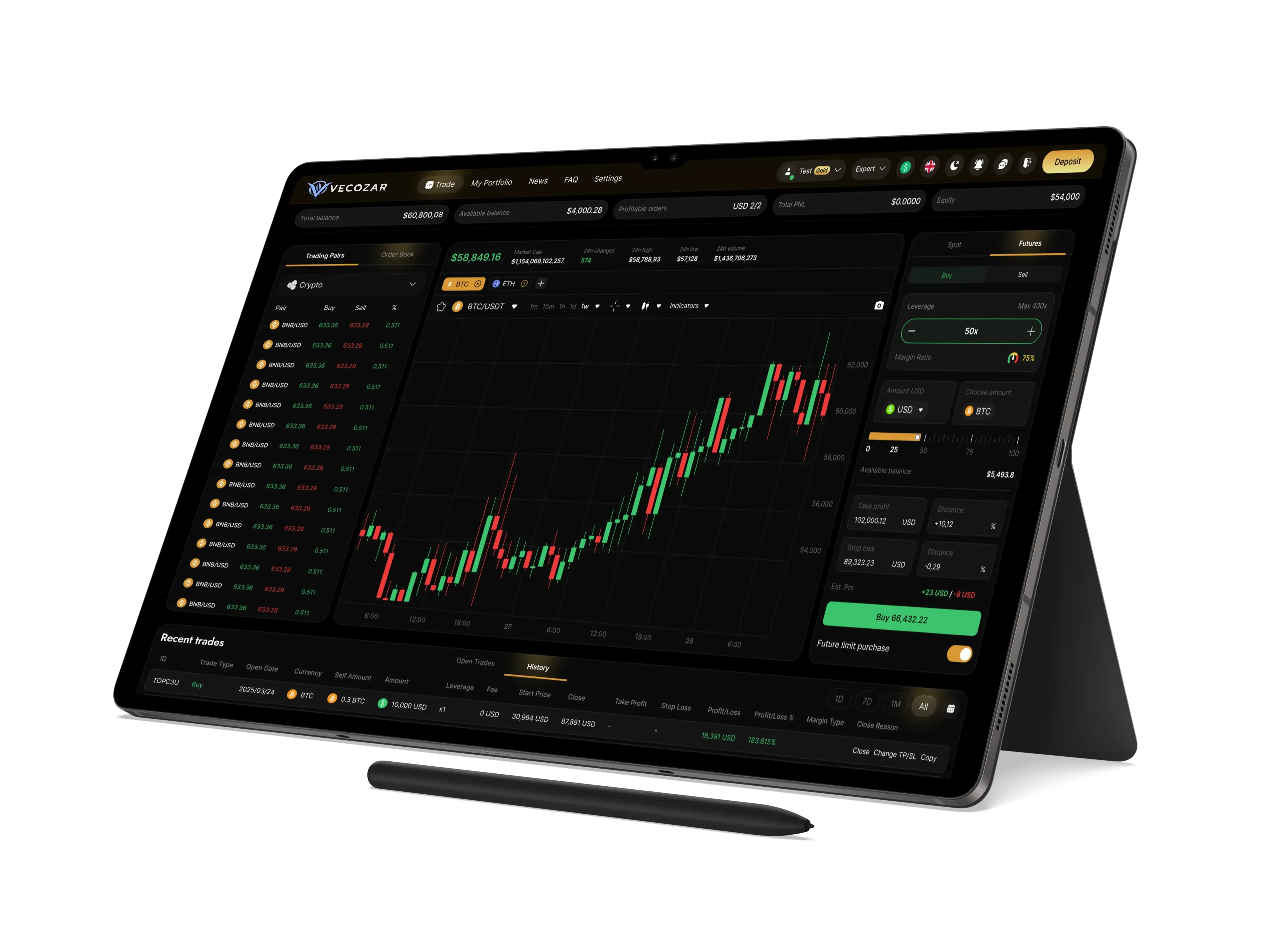
One ticket covers spot and futures. While a position is open, all the controls it needs are at hand.
Open account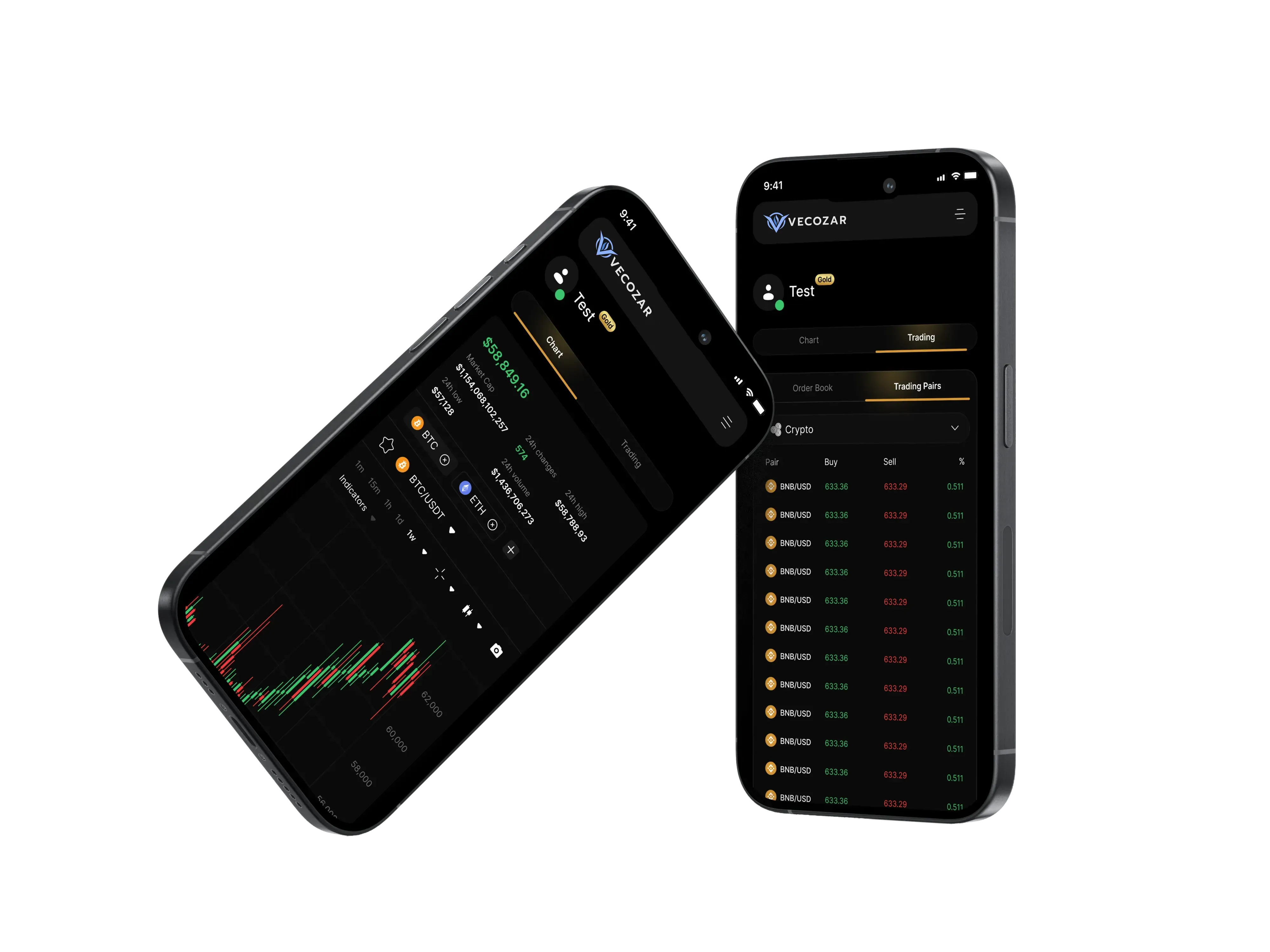
Study the market first, trade it second
Choose a coin and a period. The terminal runs on this very series, whatever scale you set it to.
Bitcoin
—
Prices cannot be loaded at the moment.
- High
- —
- Low
- —
- Change
- —
Point at the chart to read a single value.
The panels you will reach for most
None of them is an app of its own: they are all parts of one screen.
-
Every row has quotes to sell and to buy. Narrow the list by class, or look a name up.
-
The spread from both sides, and the latest trades beside it.
-
Indicators, a full-screen view, and timeframes starting at one minute.
-
Buy or sell, on spot or futures. The amount is in your own currency, and the margin ratio sits next to the leverage.
-
Trades, open and closed, each with its profit and loss and the reason the position was closed.
-
All the panels at once in a dense layout, for the times you want that.
The path an order takes
Of its four steps, three are choices made while nothing is at risk yet.
-
Choose a pair
Filter by class or search by name. The quote keeps updating while you look.
-
Give it a size
The ticket works the margin out when you choose leverage; otherwise you just type an amount.
-
Decide the exits
A percent distance or a price, for the take-profit and for the stop-loss.
-
Follow it in history
Profit and loss as it changes, and why the position was closed.
On the terminal
Do spot and futures trade on one screen?
They do. You switch the ticket from spot to futures, and either way it stays next to one chart and one order book.
In practice, what is leverage of up to x200?
The margin under a position can be as little as one two-hundredth of its size. Gains are multiplied and so are losses. For that reason the margin ratio never leaves the screen, and every position should carry a stop-loss.
What timeframes does the chart have?
They run from a single minute to twelve hours and more. A full-screen view and indicators are part of the chart.
Does a simpler layout exist?
The simple one is the standard layout. Turn on expert mode for the dense view, where all the panels are open together.
Does it work on a phone?
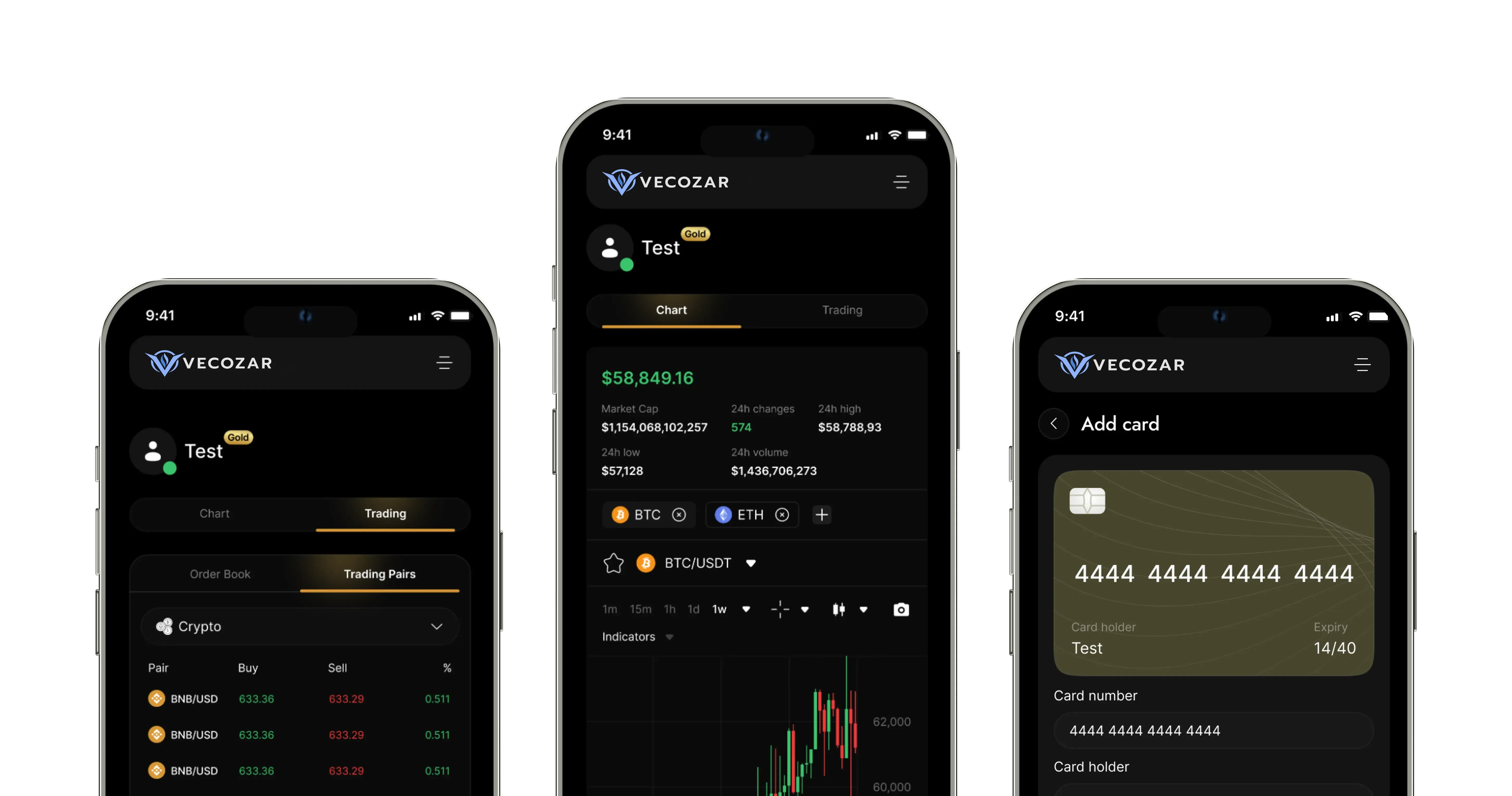
It does. The app and the web terminal share one account with its positions and its history.
Open an account, then explore
From your first login the help centre, the wallet and the terminal are all there.

BTC —